Frame
Frame your first three photographs for free. Add a fine edge, adjust the paper texture, then save to Photos. Return to the same projects and export them again.
 Frame
Photo borders for iPhone
Give your image a white border, a little paper, and space to breathe. Fit a square, portrait or Story canvas while keeping every edge.
Download on the App StoreThree photographs free · One-time Pro upgrade
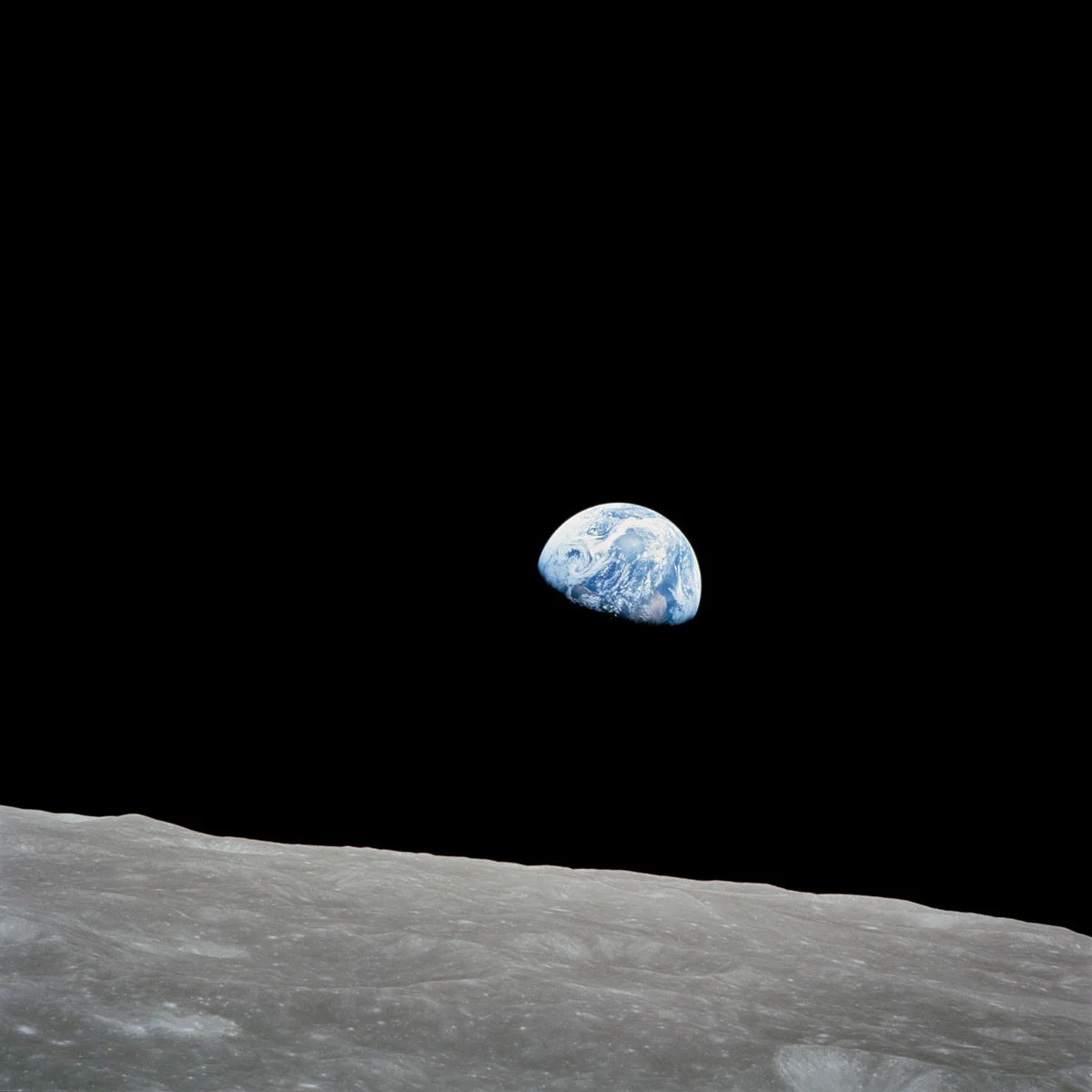
Choose a canvas, set the paper margin and draw a fine edge around the photograph.
Frame your first three photographs for free. Add a fine edge, adjust the paper texture, then save to Photos. Return to the same projects and export them again.
Use one look across a series. Copy settings and batch export up to ten photographs. One purchase unlocks more photographs. See your local price on the App Store.
Choose a square canvas in Frame, then size the photograph so all four edges are visible. The surrounding paper fills the extra space. Save the result as a separate image.
Yes. Adjust the background colour, paper finish and spacing in the editor. Save a look as a preset when you want to use it again.
Your original stays in Photos. Frame keeps its own project and saves a separate finished image.
Open the Pro offer and choose Restore purchases with the Apple Account that bought Pro. More purchase help.